Hotel-Spider offers the hotel-oriented online marketing services, tools, and know-how that accommodation providers need to manage, automate, and optimize their online distribution. Their dedication to customer success ensures that their clients have more time to focus on what they do best: welcoming, serving, and delighting their guests. The goal is to make it easy for every hotel to effectively market and sell their rooms online. This involves offering a state-of-the-art hotel distribution platform, continuous innovation, sharing of expertise, and regular updates and expansions of the hotel-oriented services they provide.
How to create a room type in the Hotel Spider
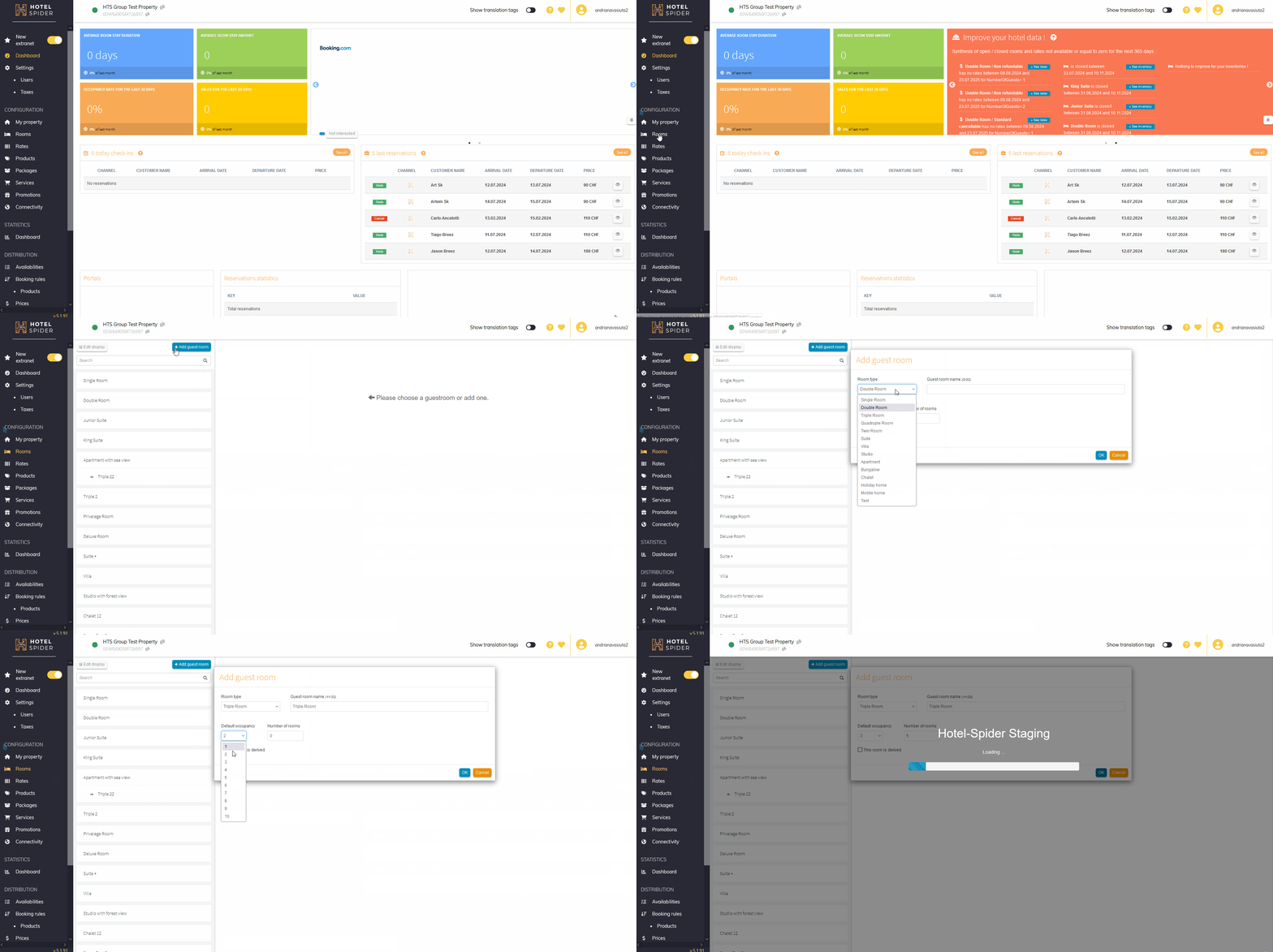
One of the first steps in setting up a hotel in the Hotel Spider extranet is to create guest rooms that will be available for online booking. The steps are the following:
- login to the HS extranet;
- in the 'Configuration' section click the 'Rooms' tab;
- to create a new guest room click '+Add a guest room' at the top of the list;
- in a pop-up window set 'Room Type' (select one of the options from the drop-down list), provide 'Guest room name', 'Default occupancy', 'Number of rooms', and click 'Ok'.
Setting up the created room
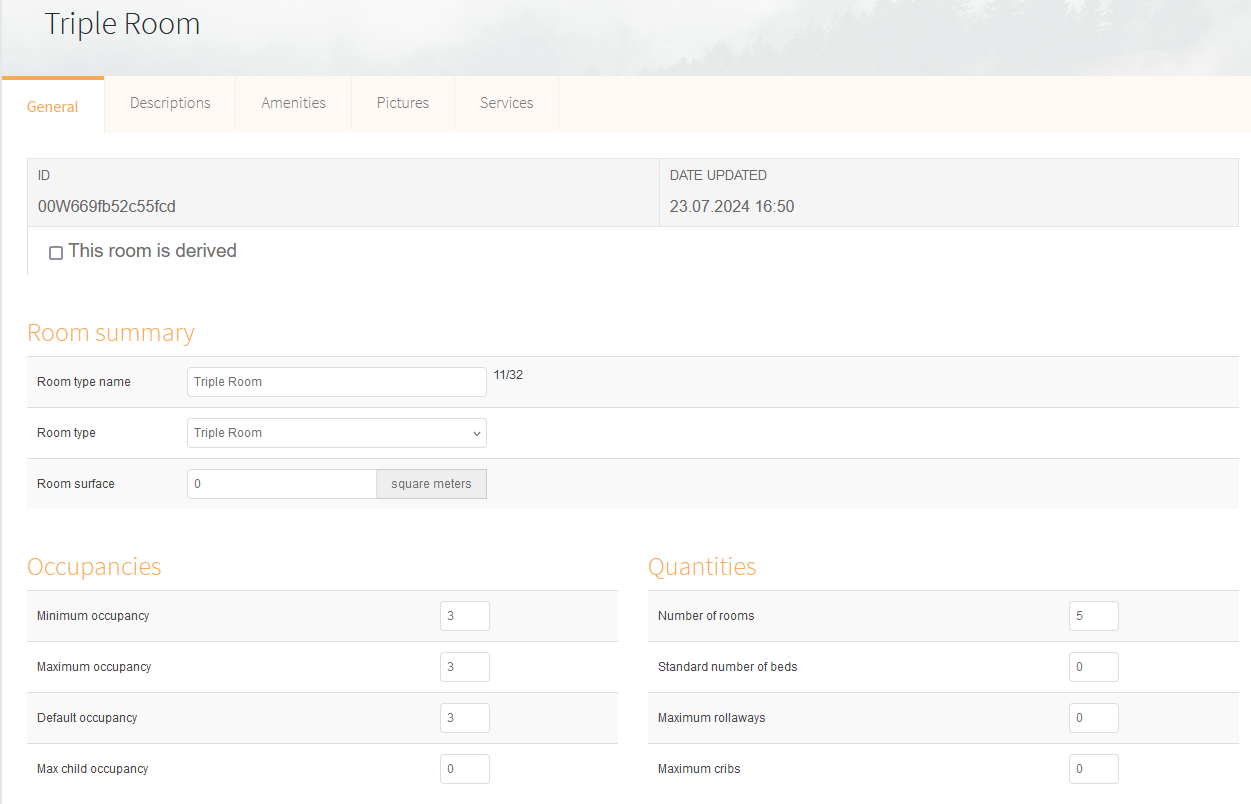
After creating a room, five tabs with settings are available to the user:
- General - all basic information is set in this tab: Room summary - room type, room name, and room surface; Occupancies - minimum, default, and maximum occupancies for adults and children; Quantities - number of rooms, the standard number of beds, maximum rollaway and cribs.
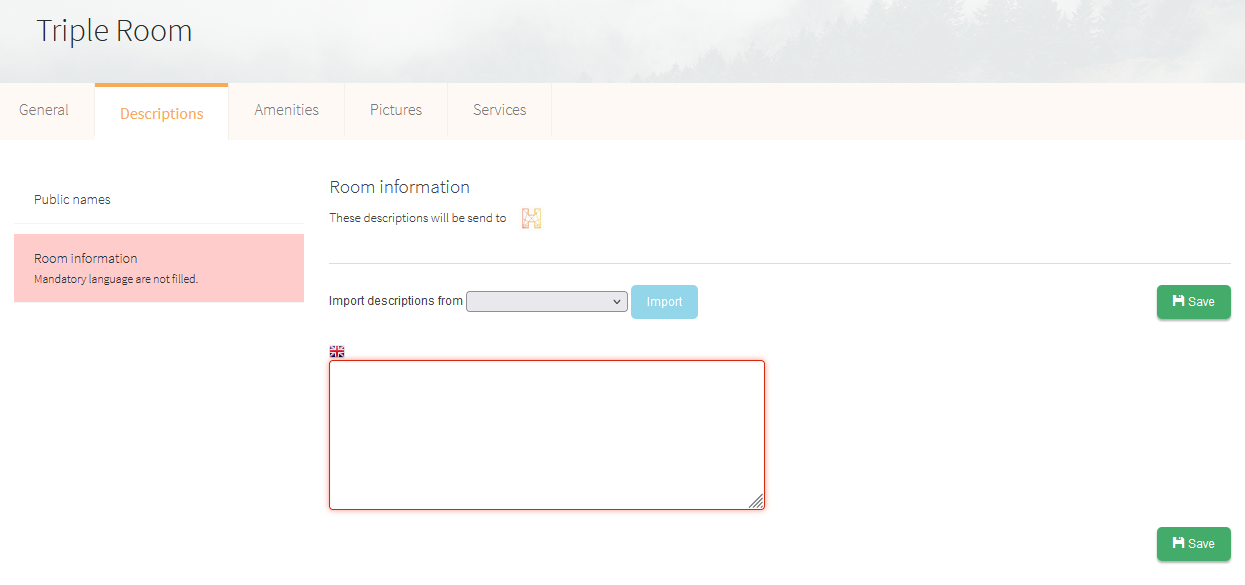
- Descriptions - add a room description for guests during the booking process;
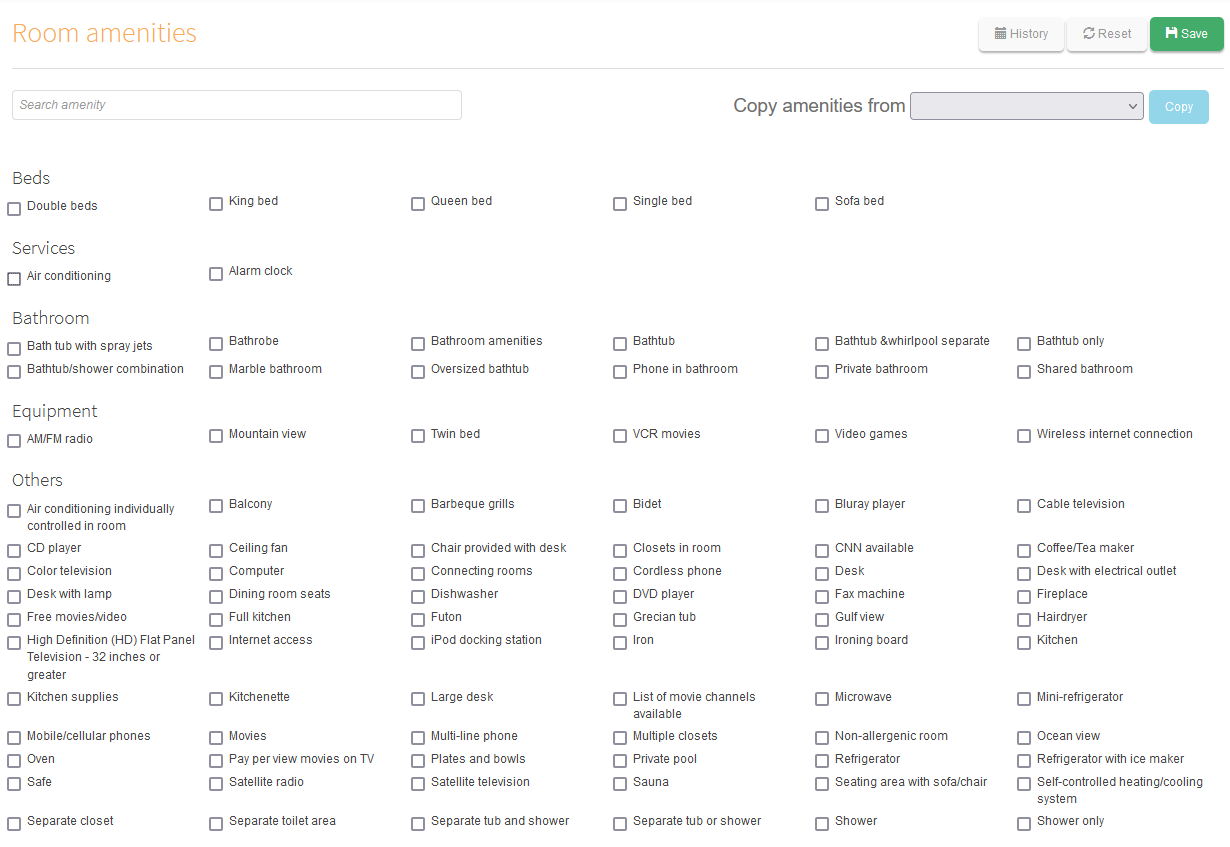
- Amenities - select from the list of proposed amenities available in this room category;
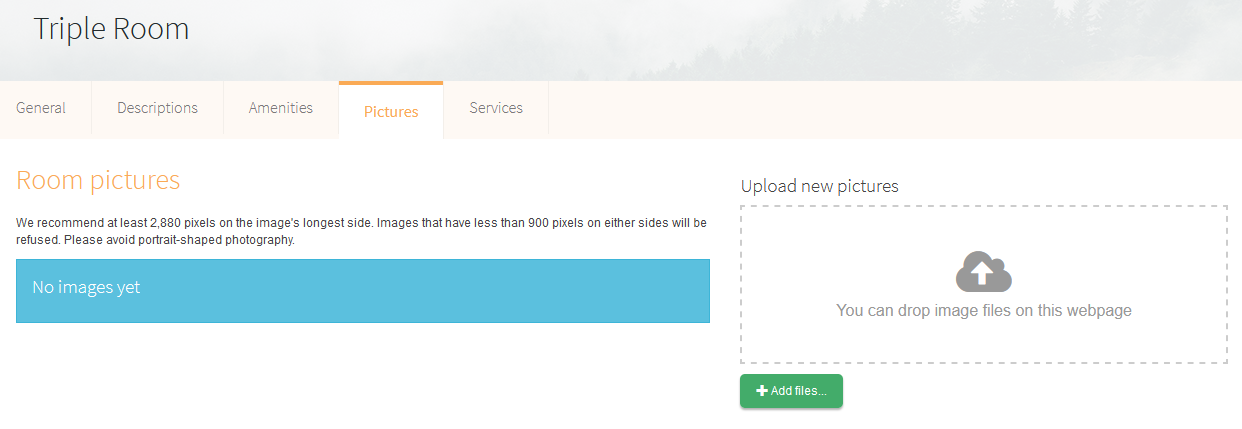
- Pictures - add a photo of the room and amenities of this category;
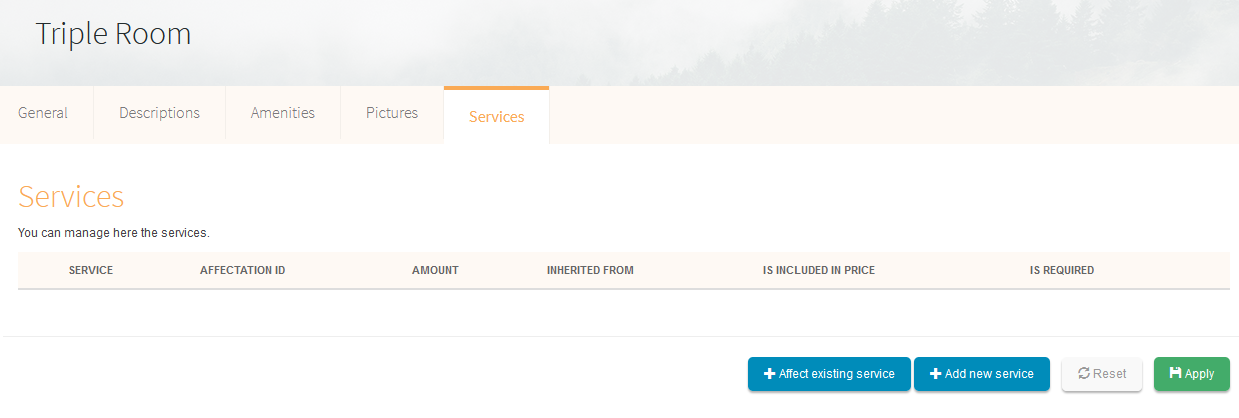
- Services - add an existing service or create a new one.
Uploading created rooms to HOST360
There are no comments for now.
to be the first to leave a comment.