QR codes on hotel invoices provide quick and convenient access to invoice details, enable easy payment, and allow guests to save information digitally, enhancing both guest convenience and hotel staff efficiency.
QR Code setup
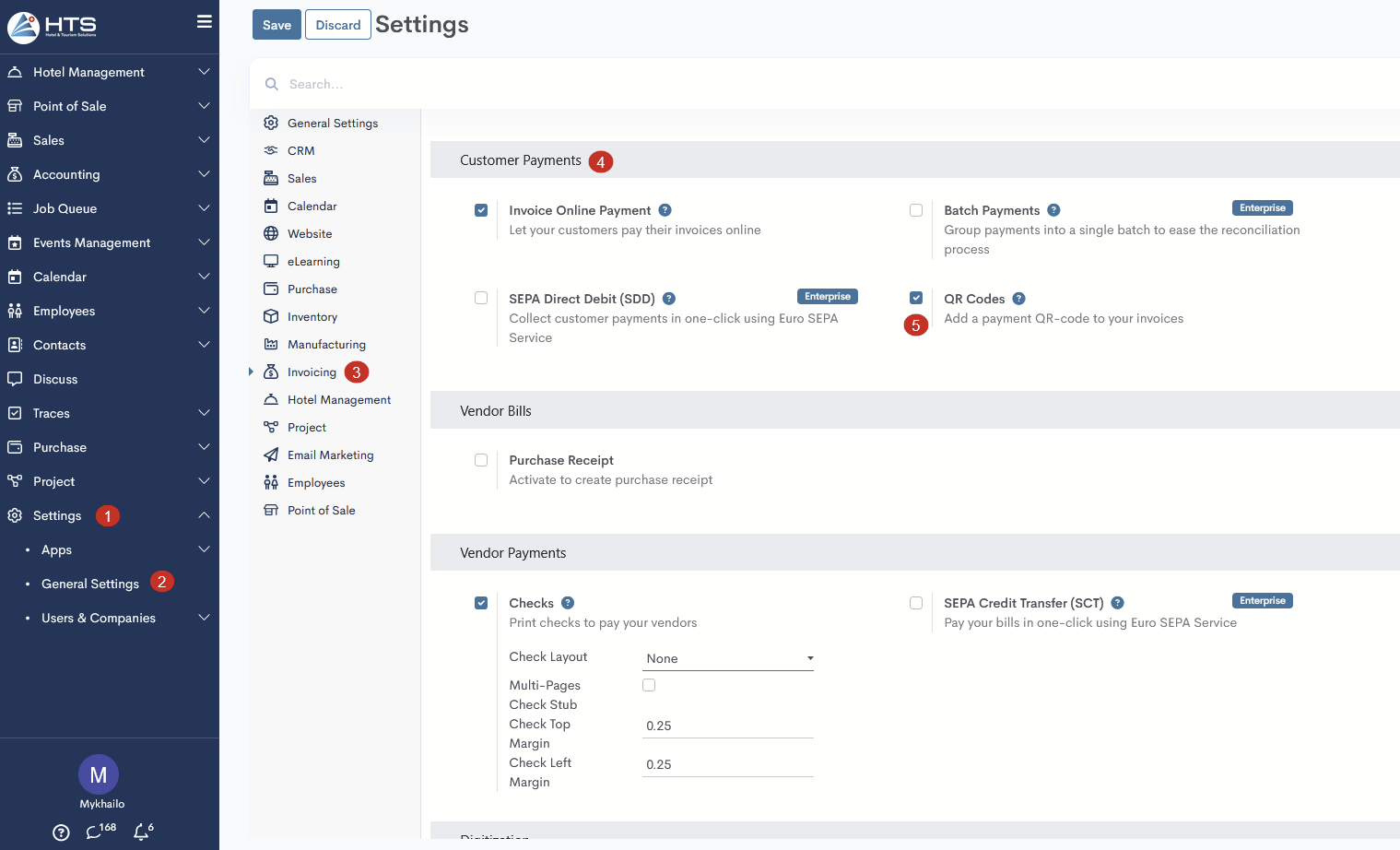
First, you need to activate the QR code feature in the settings by following these steps:
- Click on the Settings menu
- Open the General Settings
- In the right menu, click on the Invoicing menu
- Find the Customer Payments section
- Activate the checkbox in the QR Codes field
QR Code in the reservation invoices
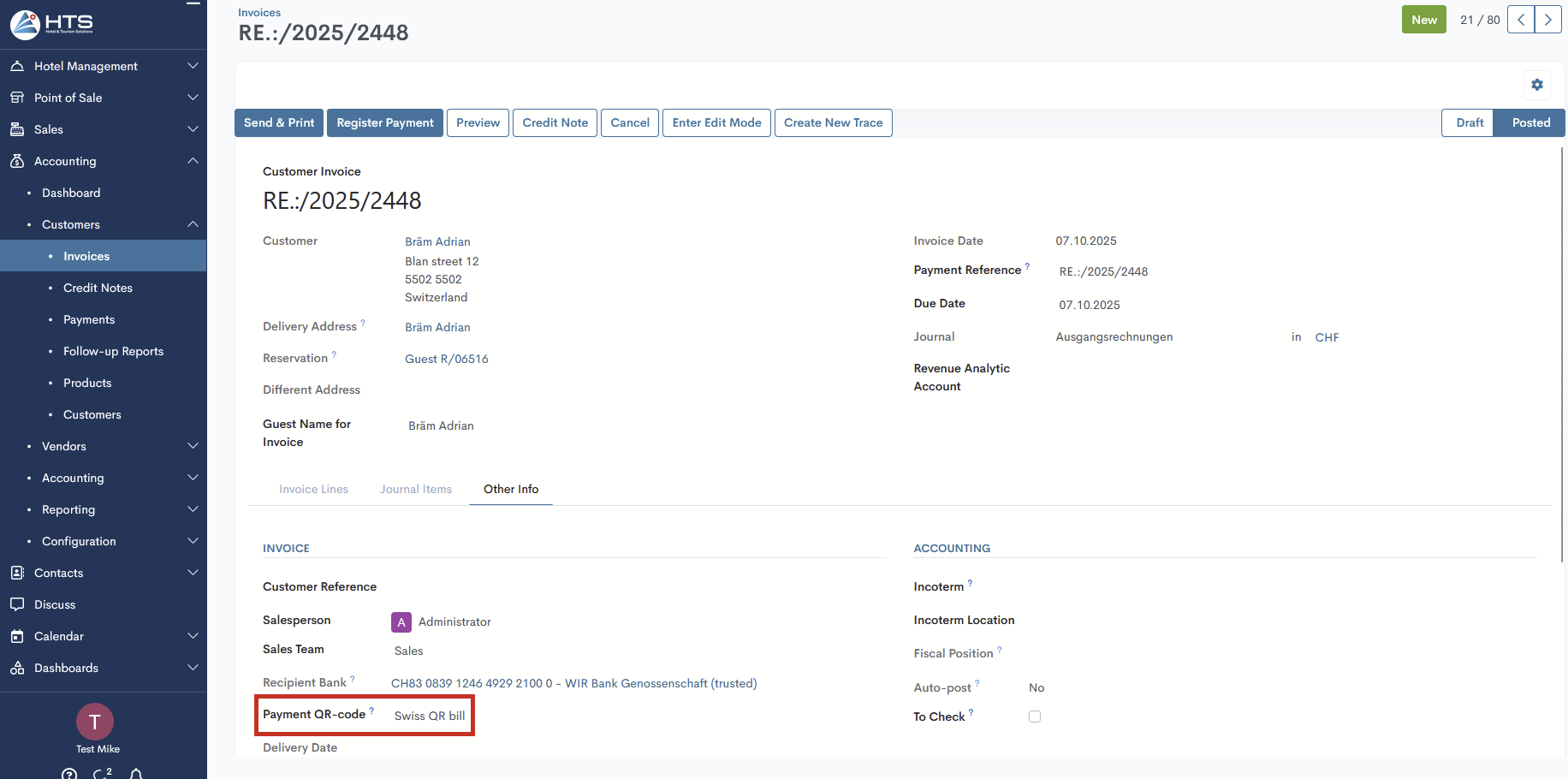
After the guest invoice has been created, go to the Other Info tab in the Invoice section and check whether the Payment QR-code field is filled with the Swiss QR Bill option.
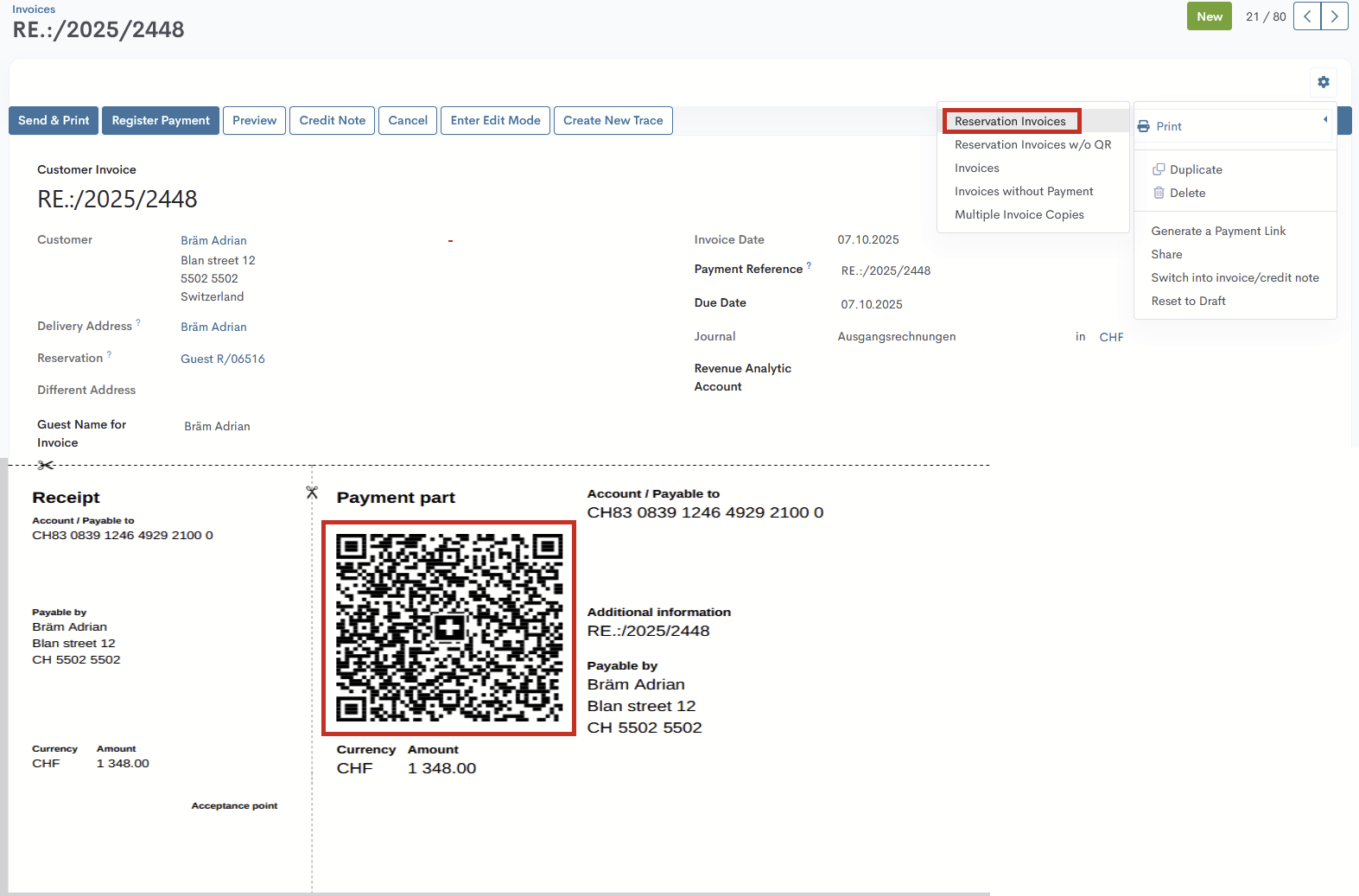
After that, generate the invoice PDF via Actions → Print → Reservation Invoices. The QR code for this invoice will be generated at the bottom of a separate page.
QR Code validations
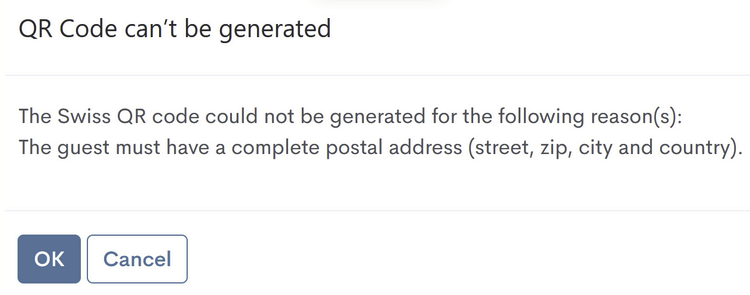
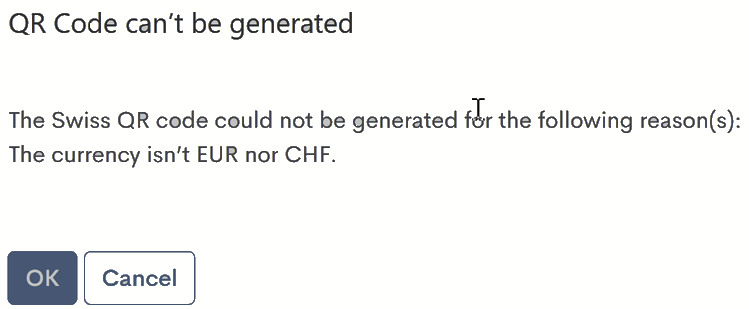
Sometimes the user may receive validation messages indicating that the QR code cannot be generated. For the system to generate it, the following criteria must be met:
- The guest is from Switzerland
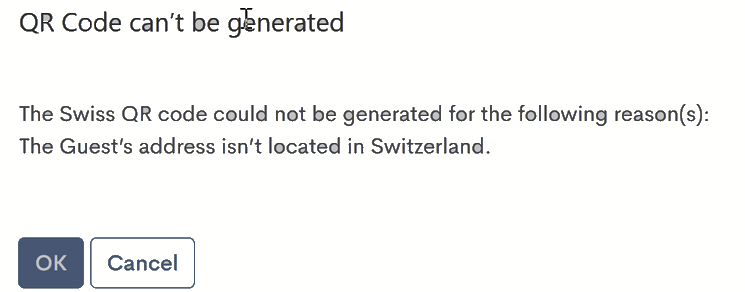
- The address is complete (street, ZIP, city, and country)
- The invoice currency is either the Euro or the Swiss Franc
Momentan sind keine Kommentare vorhanden.
, um als erster einen Kommentar zu hinterlassen.